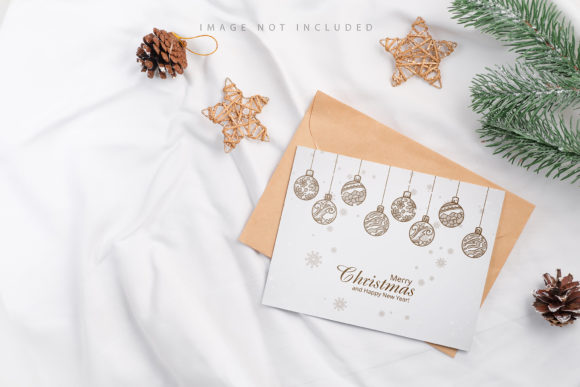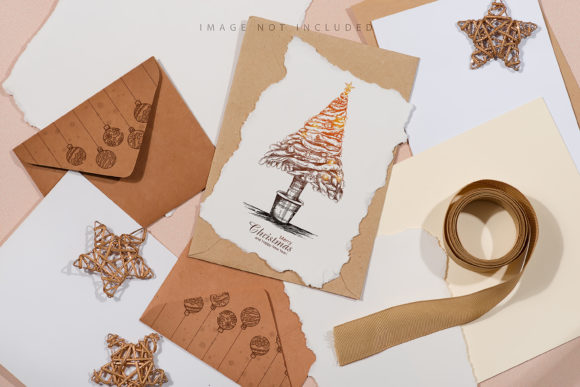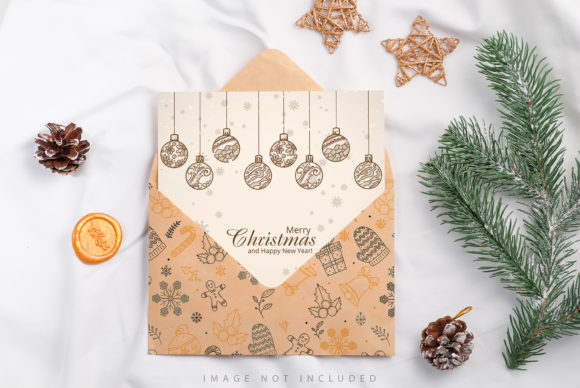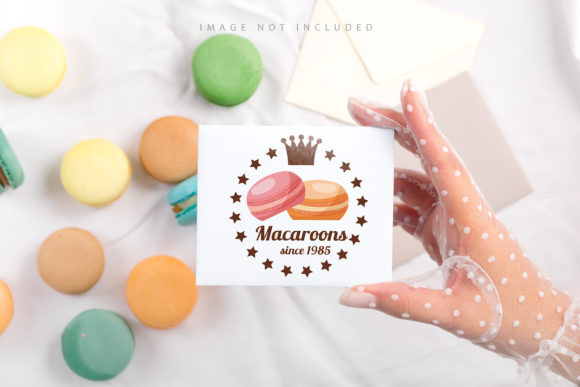
Styled Craft Envelope and White Card Mockup
In the fast-paced world of digital design, the gap between a concept on a screen and a tangible reality can often feel insurmountable. Clients, collaborators, and stakeholders need to visualize the final product before it is manufactured or shipped. This is where the Styled Craft Envelope and White Card Mockup becomes an indispensable asset for creators who demand professionalism without the overhead of a full photoshoot. It bridges the divide between abstract typography and physical texture, offering a photorealistic stage for your work.
This tool is not merely a template; it is a streamlined workflow designed to respect your time while elevating your presentation. By utilizing high-quality photography rather than 3D rendering or vector graphics, the mockup captures the subtle imperfections of real materials—the grain of paper, the fold of an envelope, and the way light interacts with surfaces. For designers, marketers, and small business owners, this authenticity builds trust instantly.
Why Realism Matters in Presentation
When you present a flat image file, you are asking your audience to use their imagination. When you present a photorealistic mockup, you are inviting them into a specific context. The Styled Craft Envelope and White Card Mockup leverages the power of photography to create an immediate emotional connection. Unlike generic 3D renders that can sometimes look sterile or plastic, this photo-based approach grounds your design in the physical world.
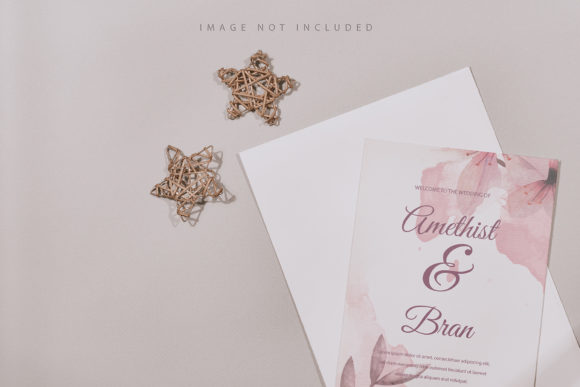
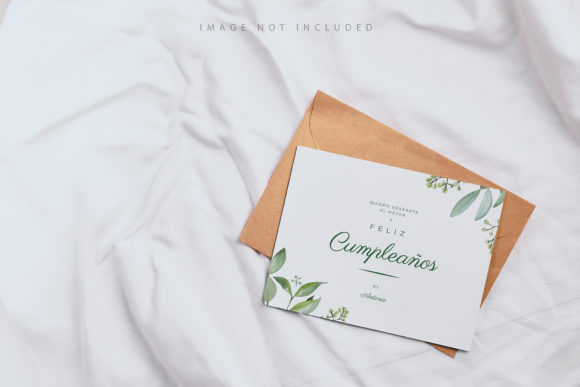
The background and the inherent color of the craft elements remain consistent, ensuring that your design remains the focal point. The lighting is set to highlight the depth of the envelope and the crispness of the white card, providing a neutral yet sophisticated backdrop. This allows the typography and imagery you apply to pop without competing with artificial shadows or overly stylized environments.
Effortless Customization with Smart Objects
The technical brilliance of this mockup lies in its user-friendly interface within Adobe Photoshop. At the core of the experience is the Active Smart Object. This feature transforms what could be a tedious editing process into a matter of seconds. You do not need to manually mask, resize, or warp your artwork. Instead, the system handles the complex geometry for you.
- Open the File: Launch the included .psd file, which is formatted at a massive resolution of 6016×4016 px.
- Locate the Smart Layer: Find the designated layer labeled as the smart object. This is where your design lives.
- Paste Your Design: Simply copy your artwork from any other source and paste it directly into the open smart object window.
- Save and Close: Once your design is positioned, save the smart object file and close the tab. Watch as your design automatically snaps into place, conforming perfectly to the folds and curves of the envelope and card.
This automation ensures that even if you are new to Photoshop, you can achieve professional results. The system intelligently maps your flat design onto the 3D-like surface of the photograph, preserving perspective and lighting effects.
The Strategic Advantage of Safety Zones
One of the most critical aspects of print design is knowing where safe areas exist to prevent content from being cut off during production or folding. The Styled Craft Envelope and White Card Mockup addresses this with a dedicated Safety Zone feature. This is not just a visual aid; it is a functional tool embedded in the file structure.
The safety zone consists of guide lines that define the boundaries of the visible area within the smart object. These lines indicate exactly what will be seen in the final composition versus what might be hidden inside a fold or trimmed away. To utilize this effectively, you simply activate the specific layer containing these guides. This allows you to see the constraints clearly while working, ensuring that no vital text or logo elements are placed too close to the edge.
This level of organization is crucial for freelancers and agencies managing multiple client projects. It reduces the risk of human error and guarantees that the final output is clean, organized, and ready for real-world application. Once you have finalized your layout, you can deactivate the safety zone layer to view the pristine, uncluttered result.
Creative Applications Across Industries
The versatility of this mockup extends far beyond simple branding exercises. Because it features a craft-style envelope and a premium white card, it serves as a canvas for a wide array of creative directions. Here are several ways different professionals can adapt this tool for their specific goals.
For Brand Identity Specialists: Use the white card to showcase a complete brand suite. Display a logo, a secondary icon, and a color palette alongside a business card or letterhead inside the envelope. This creates a cohesive narrative that demonstrates how a brand feels when held in hand.
For Product Packaging Designers: If you are designing packaging for a boutique product, such as organic skincare, artisanal coffee, or handmade jewelry, this mockup provides the perfect context. Place your label design on the white card and imagine it as a tag attached to a gift or a product insert inside a shipping envelope. The "craft" aesthetic aligns naturally with eco-friendly and sustainable product lines.
For Marketing and Event Planners: Invitations and promotional flyers benefit immensely from this format. Whether it is a wedding invitation, a conference program, or a limited-edition coupon, the textured look of the envelope adds a layer of exclusivity. The white card offers a clean space for elegant typography, making it ideal for events that require a touch of formality.
For Educators and Hobbyists: Teachers creating lesson plans or hobbyists documenting their crafts can use this mockup to present their ideas visually. It helps in pitching concepts to students or sharing project outcomes on social media platforms like Instagram or Pinterest, where visual appeal drives engagement.
Maintaining Consistency and Quality
To get the most out of the Styled Craft Envelope and White Card Mockup, consistency is key. Since the file is provided at 300 DPI, it meets the high standards required for both web display and potential print reproduction. However, the quality of your output depends heavily on the input.
Ensure that your designs are created with sufficient resolution before pasting them into the smart object. Blurry or pixelated source images will detract from the photorealism of the mockup. Furthermore, keep your typography in mind. While the mockup includes the physical props, the applied typography is NOT INCLUDED. You must bring your own fonts. Choose typefaces that complement the craft aesthetic—serifs often convey tradition and elegance, while clean sans-serifs offer a modern, minimalist contrast against the textured background.
Remember that the background or design color does not change automatically. This means you have full control over the color palette of your design, but you also bear the responsibility of ensuring it harmonizes with the natural tones of the envelope and card. Test your designs under different lighting scenarios mentally; a design that looks vibrant on a bright monitor might appear muted on a dark card, so adjust your contrast accordingly.
Final Thoughts on Creative Efficiency
In a landscape saturated with digital noise, standing out requires a blend of creativity and practicality. The Styled Craft Envelope and White Card Mockup offers a solution that respects both. It eliminates the guesswork of 3D modeling and the cost of photoshoots, replacing them with a reliable, high-resolution photographic foundation.
Whether you are a seasoned graphic designer looking to speed up your client delivery pipeline or a small business owner wanting to present a polished proposal, this tool empowers you to focus on the art rather than the mechanics. By leveraging active smart objects and safety zones, you ensure that your work is not only beautiful but also technically sound. Take your designs from the computer screen to the table, and let the realism of the craft speak for itself.